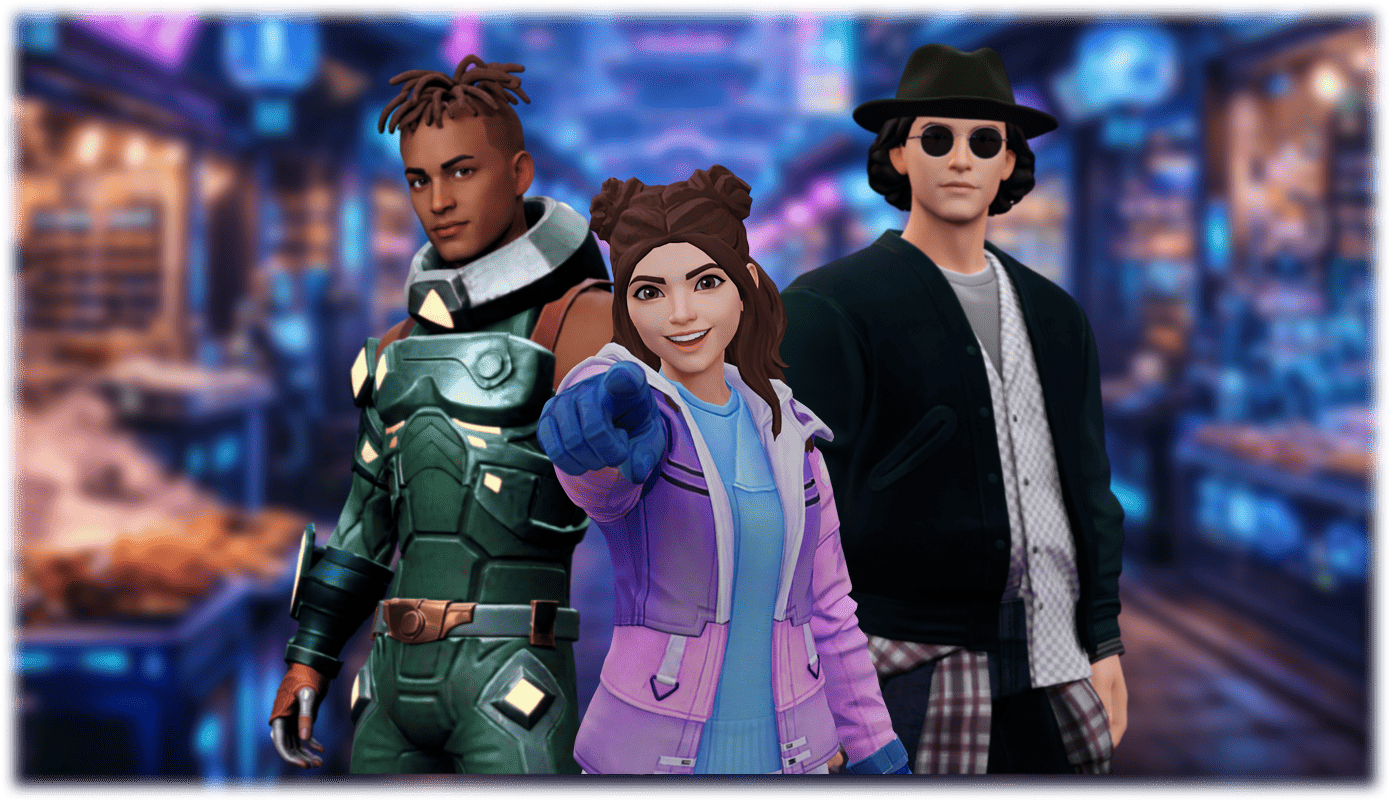
 Guide
GuideHow to Create a 3D Avatar (2026 Guide)
Quick answer
Searching how to create 3D avatar, create 3D avatar from photo, or 3D avatar maker? You no longer need Blender, a sculpting portfolio, or a week of retopology. Modern AI pipelines turn a selfie into a usable, rigged 3D character in minutes — then let you drop that character into games, websites, calls, and AI agents.
This guide walks through the practical ways to make a 3D avatar in 2026, the step-by-step Streamoji workflow, tips for better likeness, and how to choose between selfie AI, stylized creators, and full 3D modeling.
Building into a product? Pair this guide with the Streamoji Avatars SDK overview.
What is a 3D avatar?
A 3D avatar is a digital character with geometry, textures, and usually a skeleton (rig) so it can animate — blink, talk, walk, or react in real time. Unlike a flat profile picture, a 3D avatar can be viewed from any angle and driven by face tracking, TTS lip sync, or game animation.
Teams use 3D avatars for virtual meetings, game NPCs, website AI agents, social identity, UGC video, and live streaming. The quality bar in 2026 is not just "looks like me" — it is "works live without melting bandwidth."
Three ways to create a 3D avatar
1. Selfie-to-avatar (AI) — best for most people
Upload one clear photo. AI reconstructs a face and full-body model, often with blendshapes for expressions. Fastest path to a recognizable 3D avatar. Streamoji, Avaturn, and similar tools own this category.
2. Stylized creators — best for anime / VTubers
Tools like VRoid Studio let you sculpt hair, outfits, and proportions with sliders, then export VRM for VRChat and VTubing. Great creative control; not a drop-in product SDK.
3. Traditional 3D modeling — best for custom art
Blender, Maya, or ZBrush give total control, but require modeling, UV, texturing, and rigging skills (or a hired artist). Still the right choice for unique IP and film-grade characters.
How to create a 3D avatar with Streamoji (step by step)
Here is the practical how to create 3D avatar workflow we recommend for developers and product teams.
- Take a good selfie. Face the camera, even lighting, no sunglasses or mask, hair off the face where possible. One clear front-facing photo is enough for Streamoji's generator.
- Generate the avatar. Open Streamoji Create Avatar, upload the photo, and wait for the AI to build a rigged 3D character with facial expressions ready to use.
- Customize look and outfit. Use the full-body editor to tune face, hair, clothing, and branding so the avatar matches your product — not just a one-off download.
- Export or connect via SDK. Pull a production-ready model for your pipeline, or integrate the Streamoji SDK so users create avatars inside your web, mobile, Unity, React, or React Native app.
- Animate and stream. Drive the avatar with face tracking, Avatar TTS / lip sync, or game animation. Streamoji is built for live use at roughly ~40 kbps facial streaming — so the 3D avatar works on real networks, not only on a demo laptop.
Tips for a better 3D avatar from a photo
- ✓Use front lighting — avoid harsh shadows and strong backlight
- ✓Keep a neutral expression for the cleanest base mesh
- ✓Shoot at eye level; extreme angles confuse reconstruction
- ✓Prefer a plain background and sharp focus on the face
- ✓If likeness is off, re-shoot rather than over-editing the photo
How to create a 3D avatar for different use cases
| Use case | Best approach | Why |
|---|---|---|
| Apps, websites, AI agents | Streamoji selfie + SDK | Create, customize, and stream in one stack |
| Anime / VTubing | VRoid → VRM | Stylized authoring and VTuber app support |
| Photoreal marketing humans | Scan / photoreal selfie tools | Maximum likeness; check pricing at scale |
| Unique game IP | Custom 3D art + engine import | Full art direction when the character is the brand |
Free vs paid: what "create 3D avatar" usually costs
"Free 3D avatar maker" searches usually land on desktop creators (like VRoid) or limited trial selfie tools. Free is fine for experiments. Production apps need reliable APIs, seats, and streaming — which is where Streamoji is designed to compete without an enterprise-only wall for getting started.
Always confirm current pricing for your volume. The expensive trap is paying only for a pretty GLB download, then rebuilding runtime tracking and lip sync yourself.
After you create the 3D avatar: what matters next
- •Rig + blendshapes so expressions and speech look natural
- •A runtime that works on web and mobile, not only desktop
- •Low-bandwidth streaming if users are on 4G or weak Wi-Fi
- •An SDK so new users can create avatars inside your product
- •Hosting you control — do not depend on a third-party creator that can shut down
That last point is why many teams moved after Ready Player Me closed: creating the avatar is step one; owning the live path is the product.
Final take
Learning how to create a 3D avatar in 2026 is less about polygon modeling and more about picking the right pipeline: selfie AI for production likeness, stylized tools for anime, or full 3D art for custom IP.
Start with Streamoji if you want create → customize → ship live in one stack — then grow into SDKs when your users need avatars inside your product.
Create your 3D avatar in minutes
Ship production-ready avatars in weeks — not months.
How to create a 3D avatar: FAQs
How do I create a 3D avatar?
The fastest way in 2026 is selfie-to-avatar: upload a clear front-facing photo to a platform like Streamoji, generate a rigged 3D model, customize hair and clothing, then export or connect via SDK for your app or website.
Can I create a 3D avatar from a photo?
Yes. AI tools reconstruct a recognizable face and full-body avatar from one selfie. Use even lighting, face the camera, and avoid sunglasses or masks for the best result.
What is the best way to create a 3D avatar for an app?
Use a selfie-to-avatar platform with developer SDKs. Streamoji lets users create avatars and stream live facial animation in web, mobile, Unity, React, and React Native products.
Is there a free way to create a 3D avatar?
VRoid Studio is a strong free option for anime-style VRM avatars. Streamoji offers a way to try selfie avatars and SDKs for production workflows — confirm current pricing for your volume.
Do I need Blender to create a 3D avatar?
No. Blender is useful for custom art and unique IP, but most product teams create 3D avatars with AI selfie tools or stylized creators, then integrate via SDK or GLB export.
What should I do after I create a 3D avatar?
Confirm the model is rigged for expressions, decide how users will create new avatars, and plan runtime streaming or animation. Creating the file is only half the job — live performance and SDKs matter for products.
Recommended for You
Continue exploring avatar platforms and AI interaction trends.
Introducing Streamoji Avatars SDK: Build Real-Time 3D Avatar Experiences on the Web
Build live, interactive 3D avatars on the web with the Streamoji Avatars SDK — face tracking, ~40 kbps streaming, avatar creation APIs, and React/Unity integration.

Web-Based 3D Avatars: The Future of Digital Interaction in 2026
Browser-native 3D avatars are the next interface layer for websites and apps — real-time, no install, and powered by platforms like Streamoji at ~40 kbps.
Ready Player Me is closed — What Now? (2026 Guide)
Yes, Ready Player Me is closed — its public platform shut down on January 31, 2026 after the Netflix acquisition. Here’s what still works, what’s gone, and what to do next — with Streamoji as the top replacement for live AI avatars.
3D NPC Character Creation Platforms: Building Intelligent Digital Characters in 2026
NPCs in 2026 are intelligent, interactive digital characters — not scripted background props. Here's what modern 3D NPC platforms offer and why real-time streaming matters.